WWBuddy (SQLi new way + php cmd injection + USER env var privesc)
TryHackMe WWBuddy Writeup
This guide will help you root the WWBuddy box on TryHackMe. Let’s start by adding the domain to your /etc/hosts file by running the following command:
echo "<BOX_IP> wwbuddy.thm" >> /etc/hostsTryHackMe WWBuddy – Enumeration
The first step of the enumeration is finding out which ports on the server are open. We do so by using nmap. Run the following command:
nmap -sV -sC wwbuddy.thmThe sV flag is used in order to find out the version numbers of the services. The sC flag is used to execute some basic vulnerability scripts against the target. The outcome of the nmap scan can be seen below:
22/tcp open  ssh     OpenSSH 7.6p1 Ubuntu 4ubuntu0.3 (Ubuntu Linux; protocol 2.0)
| ssh-hostkey:
|   2048 66:75:21:b4:93:4a:a5:a7:df:f4:01:80:19:cf:ff:ad (RSA)
|   256 a6:dd:30:3b:e4:96:ba:ab:5f:04:3b:9e:9e:92:b7:c0 (ECDSA)
|_  256 04:22:f0:d2:b0:34:45:d4:e5:4d:ad:a2:7d:cd:00:41 (ED25519)
80/tcp open  http    Apache httpd 2.4.29 ((Ubuntu))
| http-cookie-flags:
|   /:
|     PHPSESSID:
|_      httponly flag not set
|_http-server-header: Apache/2.4.29 (Ubuntu)
| http-title: Login
|_Requested resource was http://10.10.130.254/login/
Only ports 22 and 80 are open. The service on port 22 is a SSH server and the server on port 80 is a web server running Apache. Let’s enumerate the web server!
TryHackMe WWBuddy – Enumeration Web server
Start a gobuster scan to find hidden directories and files by running the following command:
The output is as follows:
When browsing to http://wwbuddy.thm/admin we find the following text:
This page might only be allowed for a specific set of users. Let’s leave it for now and check the web page itself.
Let’s browse to http://wwbuddy.thm. You should see the following web page:
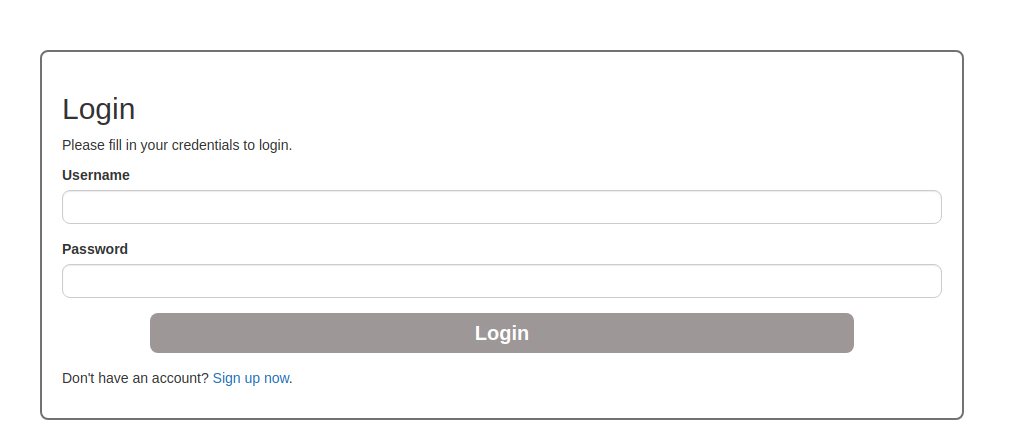
Next, we create an account and see what kind of functionality is hidden behind the dashboard. After you create your account, log in! You should now see the following page:
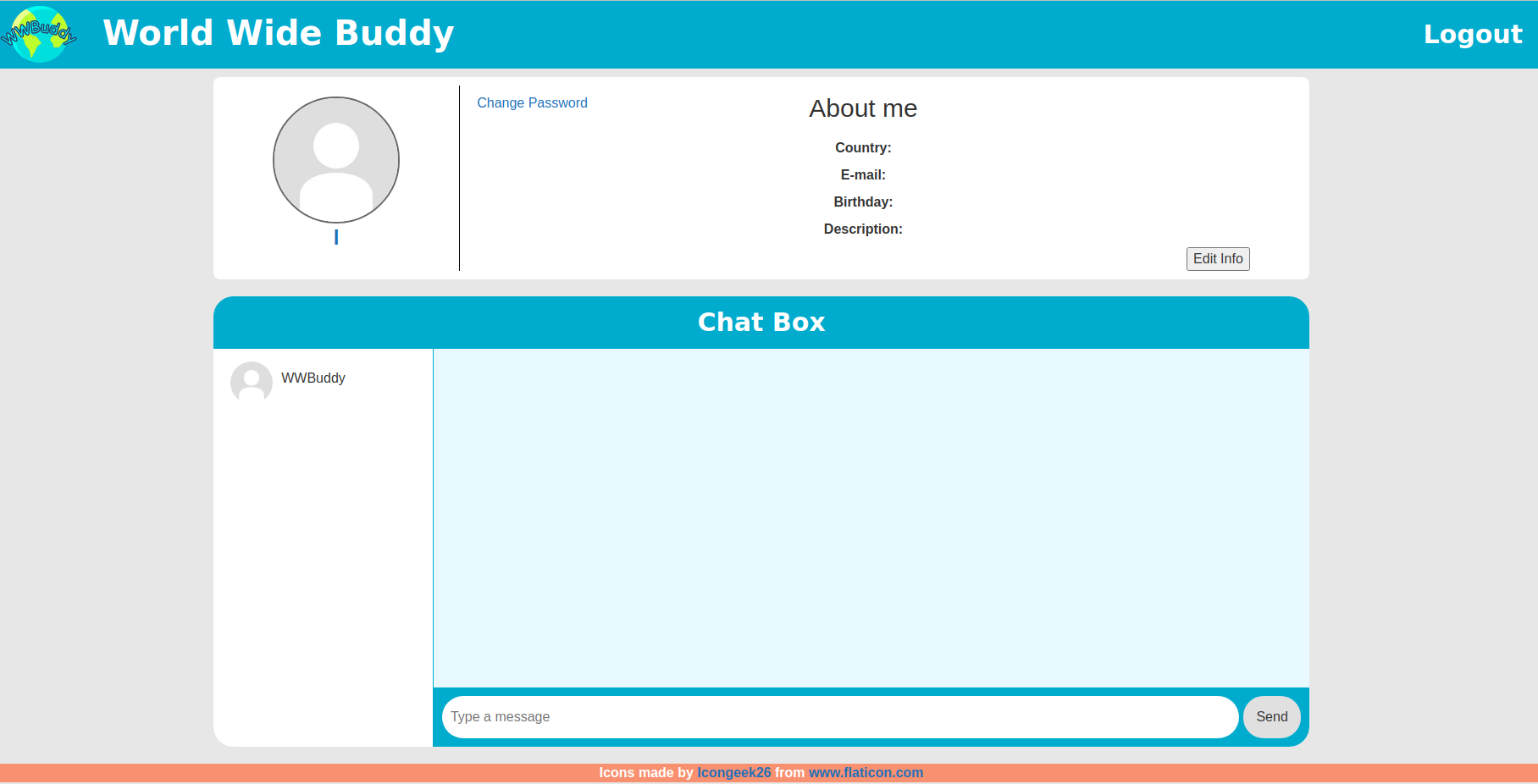
Here we are able to send messages to other users. We can see that WWBuddy is a valid user on the system. The trick here is to change the username in a SQL injection payload. The payload will make sure that whenever this user’s password is updated, all passwords from all users will be updated and have the same value. This can be done using SQL injections. Change the username to the following:
TryHackMe WWBuddy – Web flag
Do not forget to add an e-mail address and a date of birth as well. Any valid date and email address will do. The next step is to change the password. Change the password to adminadmin and log out. Now try to log in using the credentials: WWBuddy:adminadmin. You should now see the following page:
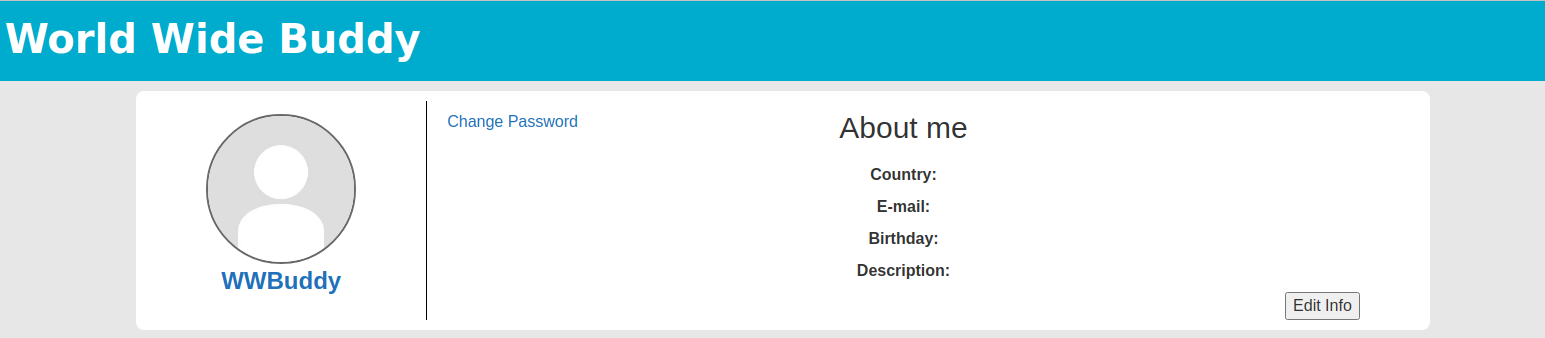
Nice, we just changed the password for all the users in the system. This means that we can log in by providing any username we can find with the adminadmin password. Inside the current dashboard we see two new users; Roberto and Henry. Furthermore we are able to read their messages, but there is nothing to be found there. Roberto only replied with a Hi Bot after the welcome message. Now try to log in as the next user: Henry
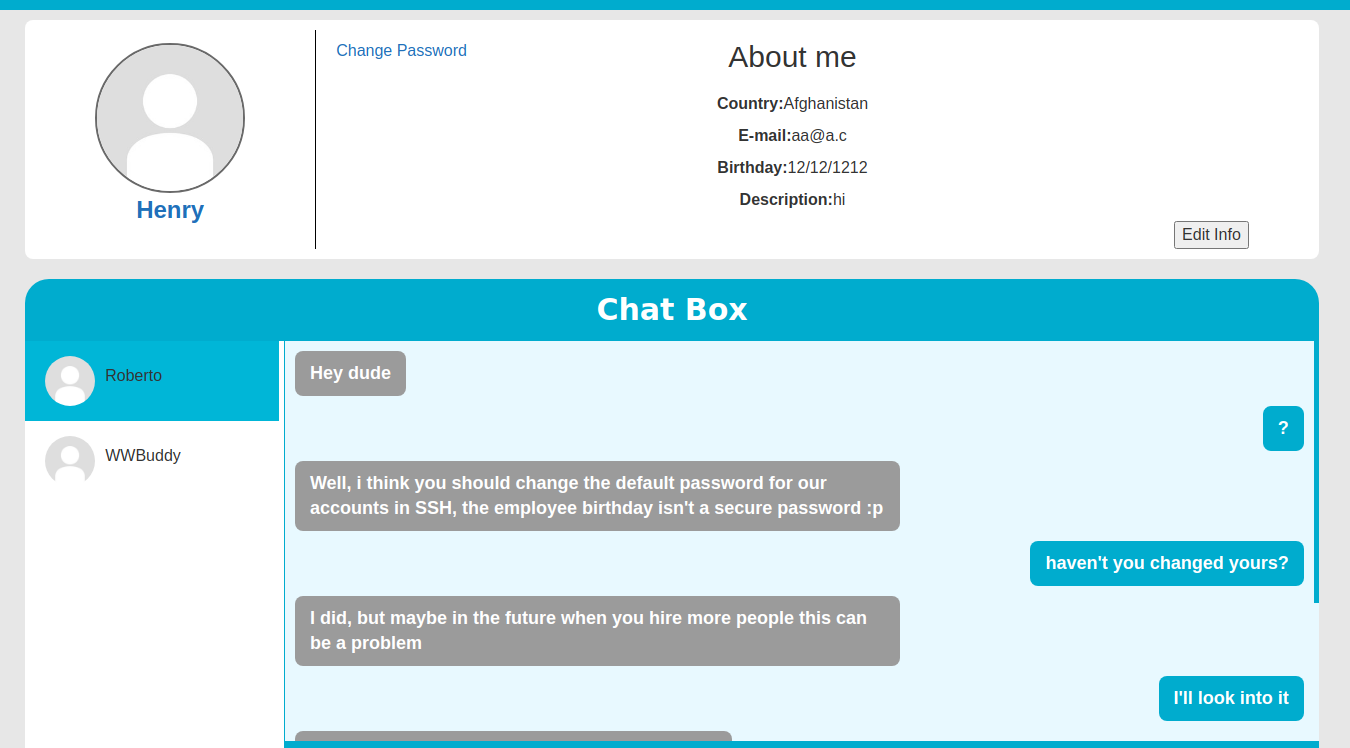
We find some interesting messages sent between Roberto and Henry here. The default password of some user is equal to his or her date of birth. In an earlier step we found an admin page. Let’s try to access this page once again:
And there we have our first flag!
TryHackMe WWBuddy – User flag
The log shows the usernames which tried to access this page. If this admin panel is written in PHP we can change a username to a PHP reverse shell payload. Let us open a new browser to log in with a different user. Then change the username to:
Now access the admin panel by this user and then access the same page using the Henry user, but this time browse to the following URL: http://wwbuddy.thm/admin/?cmd=cat%20/etc/passwd. You should see the following snippet inside the page now:
Nice we can inject any command now. You can use the following command to craft your reverse shell:
Also start your own listening shell by running the following command:
Now encode the payload we just crafted using the following tool: https://www.urlencoder.org/. Spawn your shell by going to http://wwbuddy.thm/admin?cmd=URL_ENCODED in your browser. You should see the following shell spawn on your local terminal:
Now we have to improve our shell by running the following commands:
Note that the words in caps are keys on your keyboard. Now you should have a better shell.
We still not have found the user flag. In order to find this flag we run linpeas.sh on the machine. Get linpeas.sh on your local machine and run the following command:
Now run the following commands on the box:
After some time we find an interesting log file containing passwords. This file is: /var/log/mysql/general.log. Run: cat /var/log/mysql/general.log | grep -i roberto to find the following lines:
And there we find the password for the roberto user. We can use SSH in order to log in as roberto. Run:
And fill in the password. To make life more easy, run the following command to improve your shell:
You can find the user flag here: /home/roberto/importante.txt.
TryHackMe WWBuddy – Jenny User
Aside from the flag, the following text can be found inside the importante.txt file.
My Spanish skills are not the best so I used Google Translate in order to translate the message. The translated message is:
From previous step we know that some user’s password was set to her date of birth. Could this be jenny? Let’s find out! First find out when the file was created by running:
The output can be seen below:
We now know that Jenny’s date of birth must be somewhere between 1994-08-01 and 1994-08-09. Let’s create a wordlist to brute-force her password. We know that the creator of the system uses the following date notation: mm/dd/yyyy. This was found inside the World Wide Buddy application. By applying this notation to our dates we get the following list of dates to test the password against:
Store this list on your attacking machine as datelist.txt. Now run the following command to brute-force Jenny using hydra:
After a while we find the password of jenny and we can use SSH to log in as jenny. Run:
to improve the shell again.
We now elevated to the jenny user but we are still not root
TryHackMe WWBuddy – Root Flag
In one of our previous steps we also found a binary located at /bin/authenticate which contains the SUID privileges. These privileges could be abused in order to gain root privileges. Transfer this binary to your attacking machine by running the following command on the host machine:
Now on your attacking machine run:
Now import the binary in Ghidra so that we can reverse engineer the code. You should see the following source code:
By changing the USER variable to:
we can execute the /bin/authenticate binary in order to get a root shell! The last flag is located at /root/root.txt
I really enjoyed rooting this box. The box taught me some useful tricks about SQL injections. Furthermore, I learned how environment variables can be abused to gain higher privileges! The last lesson here is to keep your passwords safe. Never communicate about your passwords in any form at all!
Last updated