SafeZone

TryHackMe Walkthrough - SafeZone

2021/07/27

This was a fun, but difficult room. I spent many days on it, especially on getting the initial foothold. I required lots of enumeration and exploiting different types of vulnerabilities.

CTF Designed by CTF lover for CTF lovers

Enumeration

I started the room by adding the IP to my hosts file and using RustScan to enumerate the opened ports.

$ rustscan -a target  | tee rust.txt
.----. .-. .-. .----..---.  .----. .---.   .--.  .-. .-.
| {}  }| { } |{ {__ {_   _}{ {__  /  ___} / {} \ |  `| |
| .-. \| {_} |.-._} } | |  .-._} }\     }/  /\  \| |\  |
`-' `-'`-----'`----'  `-'  `----'  `---' `-'  `-'`-' `-'
The Modern Day Port Scanner.
________________________________________
: https://discord.gg/GFrQsGy           :
: https://github.com/RustScan/RustScan :
 --------------------------------------
Real hackers hack time βŒ›

[~] The config file is expected to be at "/home/ehogue/.rustscan.toml"
[!] File limit is lower than default batch size. Consider upping with --ulimit. May cause harm to sensitive servers
[!] Your file limit is very small, which negatively impacts RustScan's speed. Use the Docker image, or up the Ulimit with '--ulimit 5000'.
Open 10.10.240.179:22
Open 10.10.240.179:80
[~] Starting Script(s)
[>] Script to be run Some("nmap -vvv -p  ")

[~] Starting Nmap 7.91 ( https://nmap.org ) at 2021-07-09 16:34 EDT
Initiating Ping Scan at 16:34
Scanning 10.10.240.179 [2 ports]
Completed Ping Scan at 16:34, 0.23s elapsed (1 total hosts)
Initiating Connect Scan at 16:34
Scanning target (10.10.240.179) [2 ports]
Discovered open port 22/tcp on 10.10.240.179
Discovered open port 80/tcp on 10.10.240.179
Completed Connect Scan at 16:34, 0.23s elapsed (2 total ports)
Nmap scan report for target (10.10.240.179)
Host is up, received syn-ack (0.23s latency).
Scanned at 2021-07-09 16:34:23 EDT for 0s

PORT   STATE SERVICE REASON
22/tcp open  ssh     syn-ack
80/tcp open  http    syn-ack

Read data files from: /usr/bin/../share/nmap
Nmap done: 1 IP address (1 host up) scanned in 0.56 seconds

There was two opened ports, 22 (SSH) and 80 (HTTP). So I went directly to the web site.

Web Site

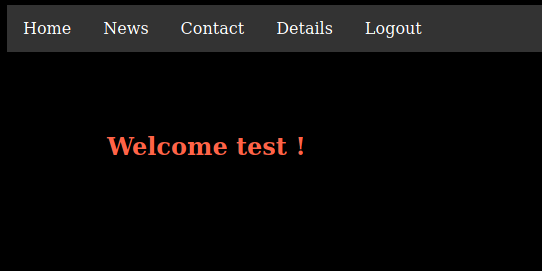
I opened a web browser and navigate to the site. There was nothing to see there.

Main Page

I looked at the response in Burp, there was nothing hidden in the headers or the source code. So I launched Gobuster to look for hidden pages.

It found that there are two index files. By default, the site served the index.html. So I looked at index.php.

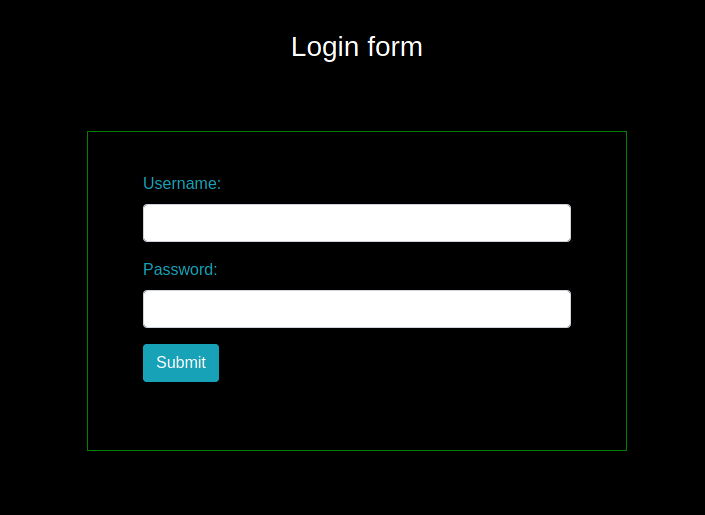
Login Form

I tried login using admin/admin. It did not work, and the site did not give information about the user existing or not.

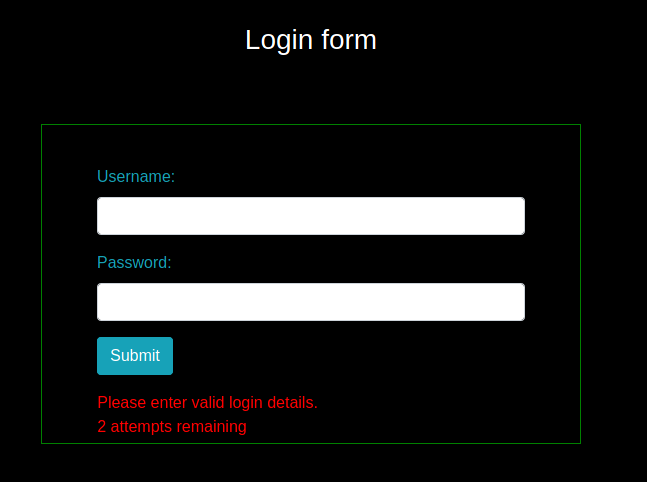
However, it showed that there was rate limiting implemented on the login.

2 attempts remaining

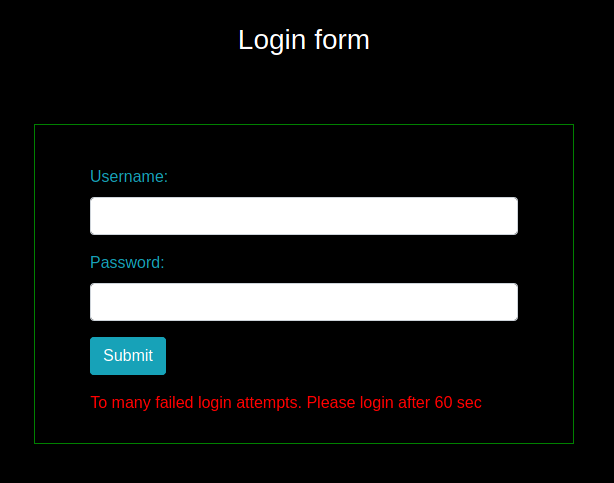
After two more tries, I got a message saying I was blocked for 60 seconds.

Blocked

I would not be able to brute force that login form. Unless I find a way around the rate limiting.

Now that I knew the site used PHP, I launched Gobuster again. This time I looked for PHP and text files.

The first thing I looked at was the note.txt file.

Message from admin :-

I can’t remember my password always , that’s why I have saved it in /home/files/pass.txt file .

Apparently a password is hidden in a file. But I had no access to it at this moment.

There was a register page. I created a new user and used it to connect to the site.

Dashboard

Now that I was connected, I started looking around the site.

The news page displayed a message about a possible Local File Inclusion (LFI) or Remote Code Execution (RCE) vulnerability.

I have something to tell you , it’s about LFI or is it RCE or something else?
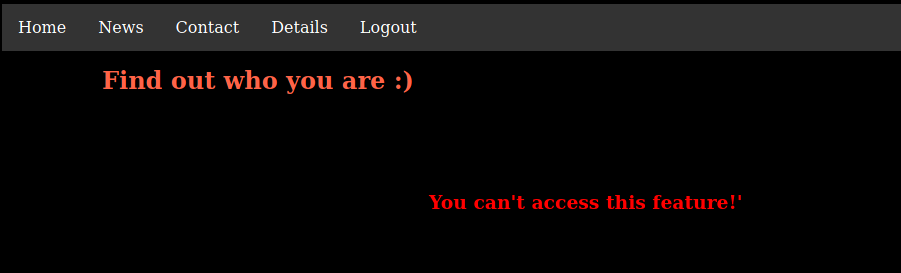
The details pages displayed a message about a feature being disabled. It looked like I might need an admin account to use it.

Details Page

In the page source code, a comment had an hint about a β€˜page’ parameter that might help me.

I tried using the parameter for LFI. I tried reading the password file mentioned in the note. But the parameter did not seem to do anything.

I also tried fuzzing this parameter, and other parameters. But I did not find anything interesting.

Admin Access

I got stuck here for a few days. Only when I tried looking for hidden page with different lists than the two I normally use did I found something new. I really need to take all the unique words from those lists and combine them into one file.

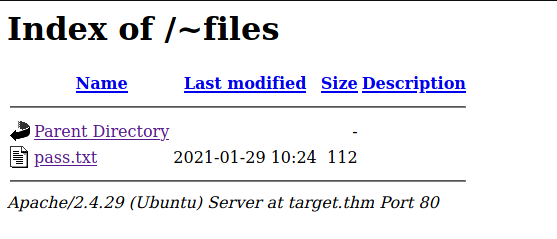
I looked at the /~files/ folder Gobuster found. Directory indexing was on and it showed the pass.txt file mentioned in the earlier note.

~files

So the admin password was two times the word admin with two digits in between. That’s gave me only 100 possibilities to brute force.

I wrote a small Python script to generate all the numbers from 0 to 99.

And then I used wfuzz to try them all. However I still had the rate limiting issue to deal with. I first tried to wait 30 seconds between attempts, using the -s parameter. But that was too slow. Since I had three attempts before getting blocked for 60 seconds I thought I might get away with 20 seconds wait.

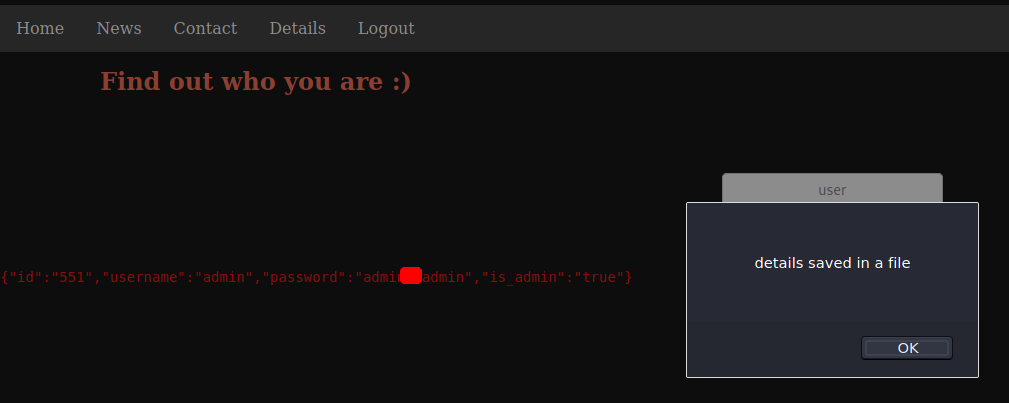
I used the password I found to connect as admin and went back to the details page.

Details As Admin

Getting a Shell

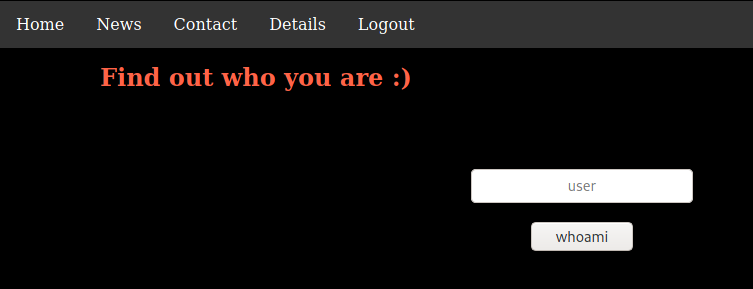
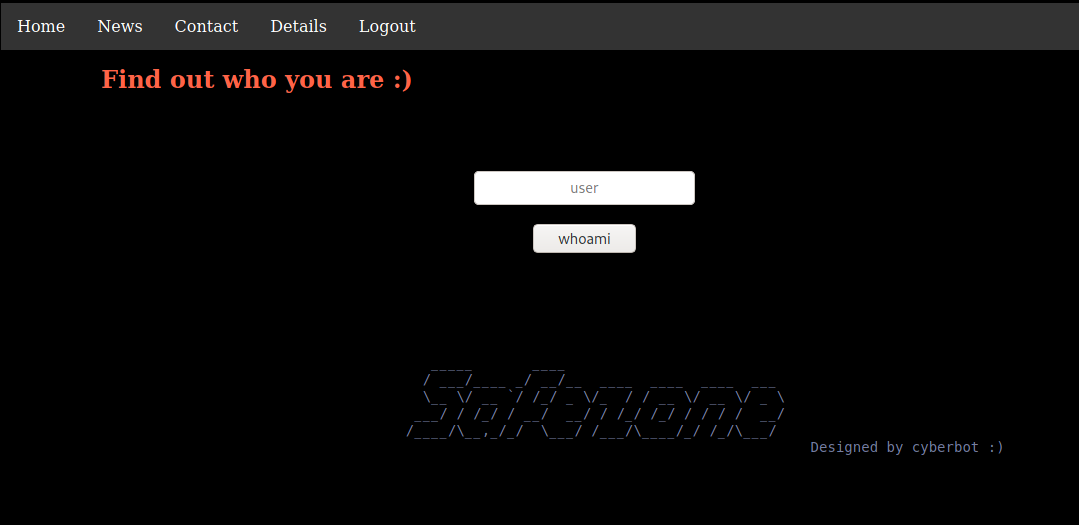
The details page allowed me to run queries on the users.

whoami

I tried to do SQL Injection and command injection here, but it did not work. Then I remember the comment about the page parameter. I tried to load the index.html file with it and this time it worked.

LFI

Next I tried loading the /etc/passwd file.

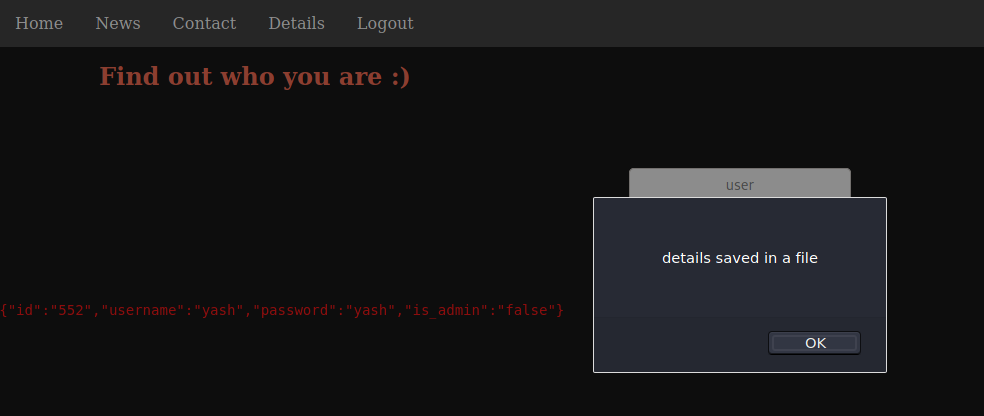
This told me there was two users on the server: β€˜yash’ and β€˜files’. I tried them in the Details page.

Yash

The user files was not found. But yash was using their username as password. I used those credentials to log to the application. But that didn’t give me anything more. I tried it to connect through SSH, but it failed.

Next, I used the LFI vulnerability to read the PHP files has base64. I couldn’t include them like I did with the other files, because the PHP code would be executed and I would get the result of the execution, not the source code. But I was able to use PHP stream filters to get the code as base64.

Going to http://target.thm/detail.php?page=php://filter/convert.base64-encode/resource=detail.php gave me a long string, that I saved to a file and decoded to get the original code.

In the code, I could see that it read the users from the database. The username is escaped with mysqli_real_escape_string so it was not vulnerable to SQLi.

The code was also doing an include of any file from the page parameter. So I tried to load the Apache access log to see if the page was vulnerable to log poisoning.

I loaded http://target.thm/detail.php?page=/var/log/apache2/access.log and the Apache logs were returned with the page.

With that, I could change my request user agent to some PHP code and it would get executed on the second request. The first one to write it in the log file, and the second to execute it when the file would be included.

I started a netcat listener and then used Burp Repeater to modify the user agent and send the request twice.

On the second request, I had my reverse shell.

Privilege Escalation to files

Once connected, I used Python to stabilize my shell.

And then I started looking around on the server. The home folder for the user files was readable. I contained the password hint I had found earlier and password hash for the user files.

I launched hashcat to try to crack the password.

It found the password quickly, but I was still looking around the server for ways to escalate. The user www-data was allowed to run find as files.

I looked on GTFOBins, and it gave me an easy way to escalate to files.

Privilege Escalation to yash

After I connected as files, I try looking for ways to escalate my privileges again. I check for sudo permissions. They could run id as yash. But this didn’t look really useful.

I looked around the server for a while. When I looked for opened ports locally I found a second web application on port 8000.

I tried to get the site, but it was not accessible.

I opened a SSH tunnel to be able to interact with this page from my machine.

Then I could use Gobuster to look for hidden pages.

There was only one page opened, pentest.php.

pentest.php

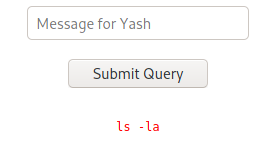
The page requested a message to send to Yash and echoed it back to me. I played with the message for a while, trying to send commands to the server. From what the page returned me, it was clear that many things were stripped out from the message I sent.

  • php

  • nc

  • (

  • )

  • &

  • `

For things like php and nc, I found that if I double them, they would not be completely stripped.

Sending

Returned

But I could not do this for single characters like &. And I did not get a reverse shell with this.

Also, I did not know if the message I was sending was being executed on the server. And if it was, did I need to pass PHP, or Bash commands?

I tried creating a file where I would be able to read it to see if bash commands worked.

I tried sending this message:

Then looked in files home folder. The file was there.

Now that I knew that Bash command worked, I used it to copy pentest.php where I would be able to read it.

Nothing surprising in the file. It takes the message sent, remove a bunch of things and then execute it.

Next I tried to create a PHP reverse shell in files home folder.

And then use this message to copy it in the web root so I could execute it.

But the web server was running as yash and they were not allowed to write to /opt so that failed.

But since it was running as yash, it meant I could use it to write into yash home folder. I created a file /home/files/authorized_keys with my public key. And then used the web page to copy it in /home/yash/.ssh/.

When this was done, I was able to connect as yash with SSH and finally get the first flag.

Escalation to root

As always, I started looking at sudo permission.

yash was able to run some backup script as root. I tried the script. It requested a filename, a destination, and a password. I tried using it to copy a file to yash’s home folder and it worked.

Since it ran as root, I used it to copy the flag.

This room took me a long time to complete. I got stuck a few times, but I had lots of fun doing it.

Last updated