BeEF Browser Exploitation

Browser Exploitation Framework (BeEF)
BeEF comes bundled with Kali Linux. I’m going to assume you have access to a Kali Linux instance and if not I recommend setting it up by following my other article, “Ethical Hacking (Part 2): Introducing Kali Linux”. You can also download it here on other Linux variants.
The location of BeEF in Kali Linux is, “/usr/share/beef-xss”.
We will need to configure BeEF before we are able to use it. Please open, “/usr/share/beef-xss/config.yaml” which is a symbolic link back to “/etc/beef-xss/config.yaml”.
Please locate the “credentials” section of the configuration.
These are the credentials we will use to access the framework GUI. BeEF won’t start unless you change these. I recommend changing both the username and password to something non-standard and strong.
Please locate the “http” section of the configuration.
You need to set the host IP of your Kali Linux server where the hacked browser will connect back to. In my case I’m going to set the host to, “192.168.1.2”.
Now run BeEF…
The two important bits of information are:
Hook URL: http://192.168.1.2:3000/hook.js
UI URL: http://192.168.1.2:3000/ui/panel
The, “Hook URL” is the Javascript you need to try and get your victim to run. You could look at something advanced like XSS but really the scary thing is any page you browse could just include this in the script tags to allow full access to your machine!
The, “UI URL” is the GUI for BeEF and where we’ll be able to monitor and carry out the attack once an unsuspecting browser connects.
In order to demonstrate this I’m going to create a very basic HTML page called “beef.html” to load the Javascript. This could be placed on a web server, put on a file server, emailed to someone etc. If someone opens this file they will be open for the attack. No warnings will be given, the browser won’t complain, and the virus scanner won’t pick it up :(
I saved the “beef.html” on my desktop and double-clicked on it to open it.

As soon as I opened it I can see the BeEF console reported the new connection.
Let’s open the “UI URL” and take a look.
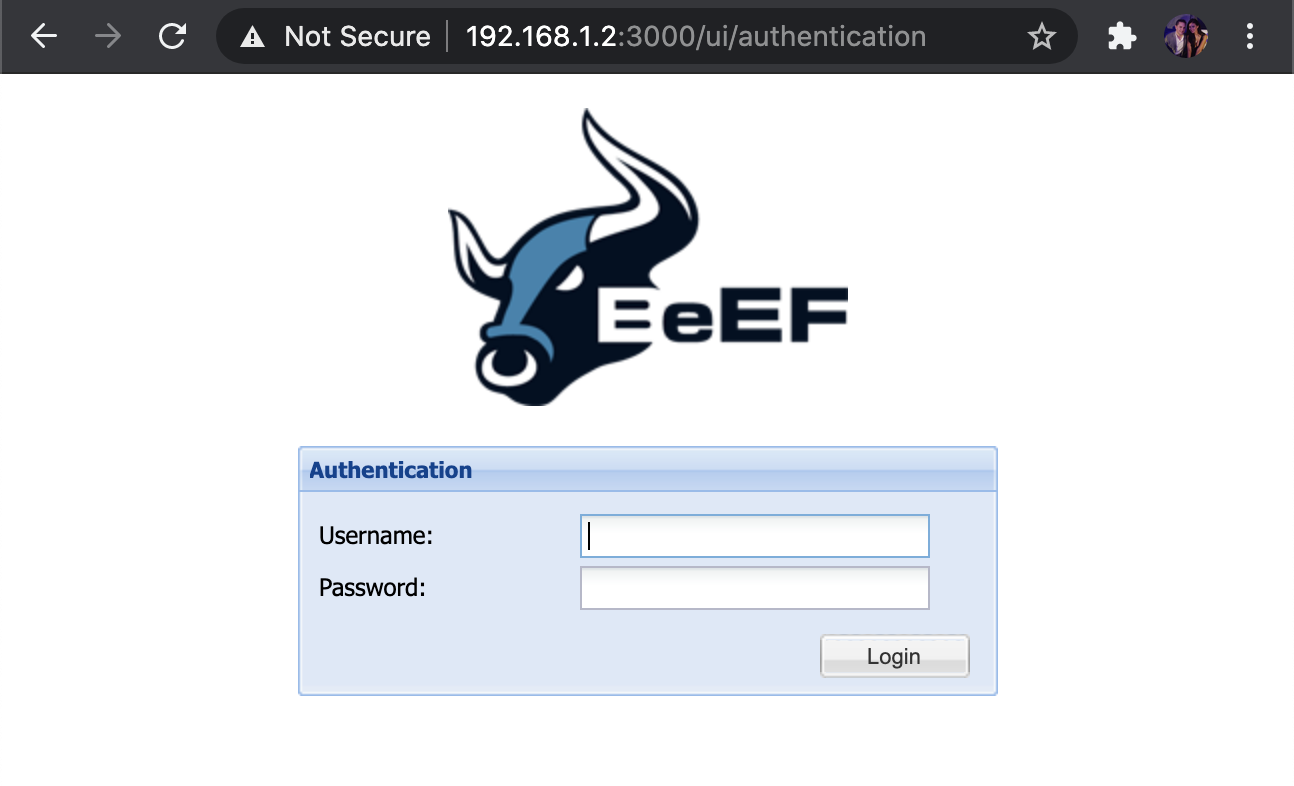
Sign in with the credentials from, “config.yaml”.
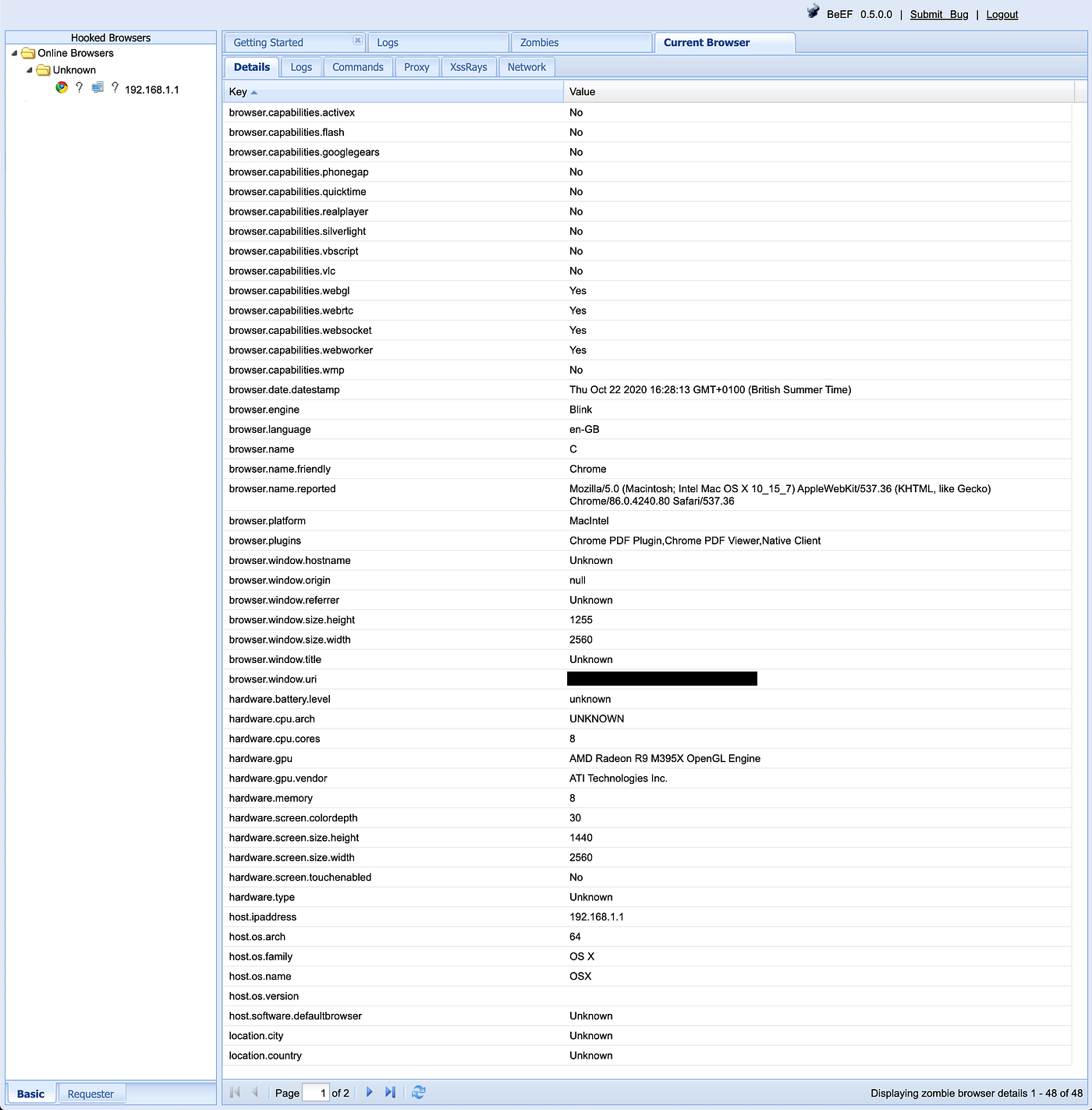
Firstly, just clicking on the host which connected shows a stack of information about the victim.
Please click on the, “Commands” tab.
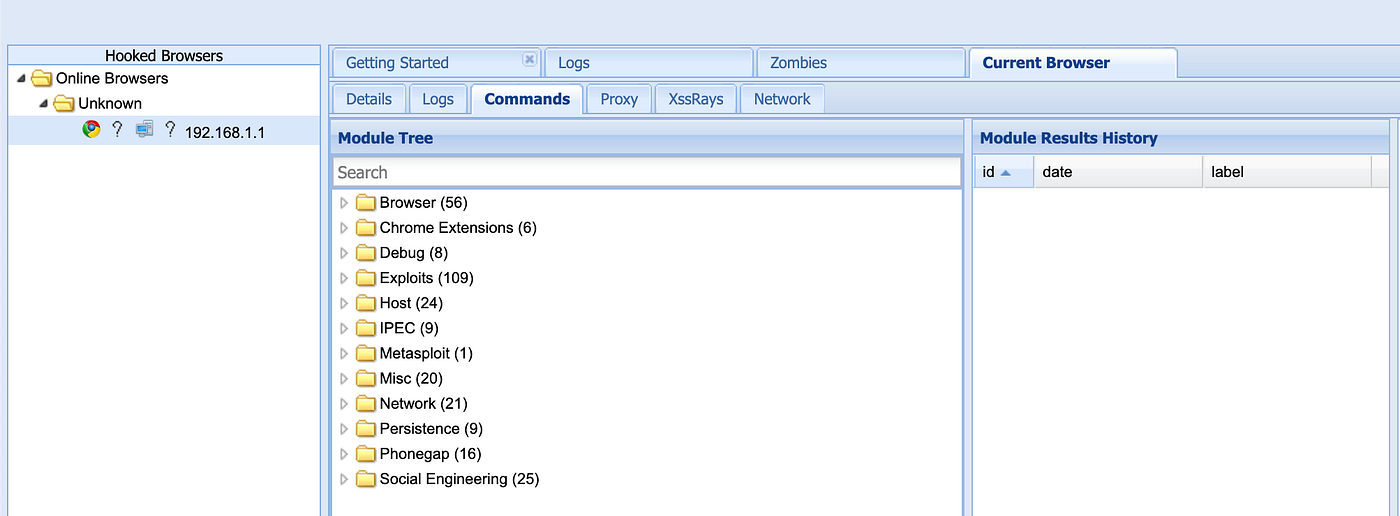
There is a huge amount of options in each of those sections but I’m just going to point out a few.
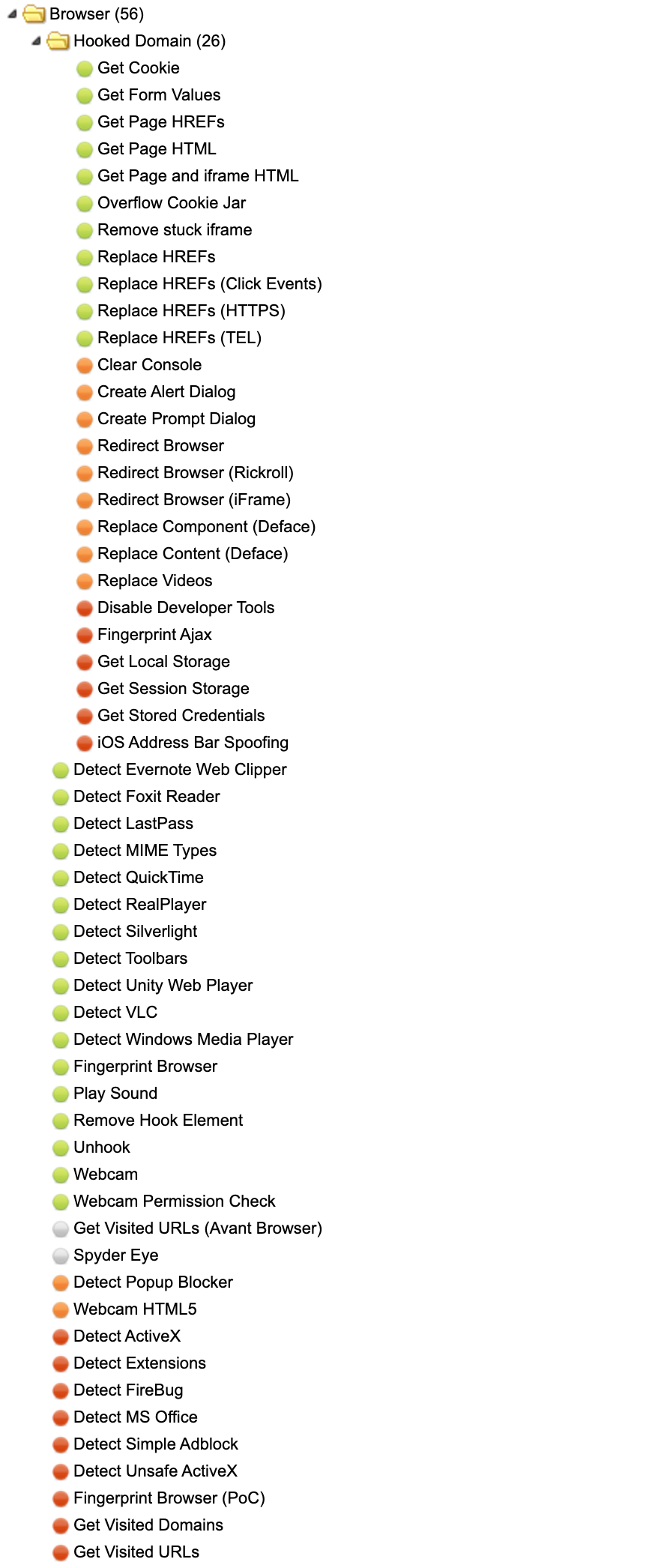
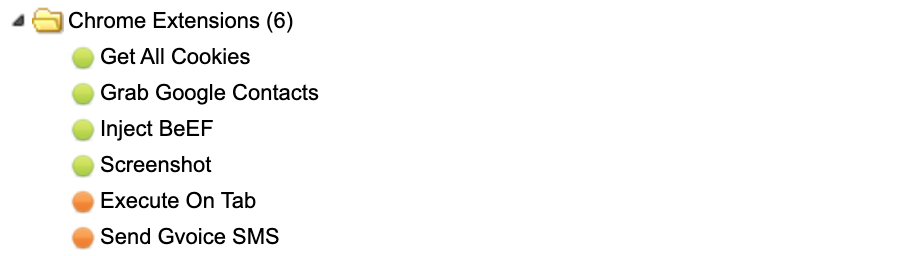
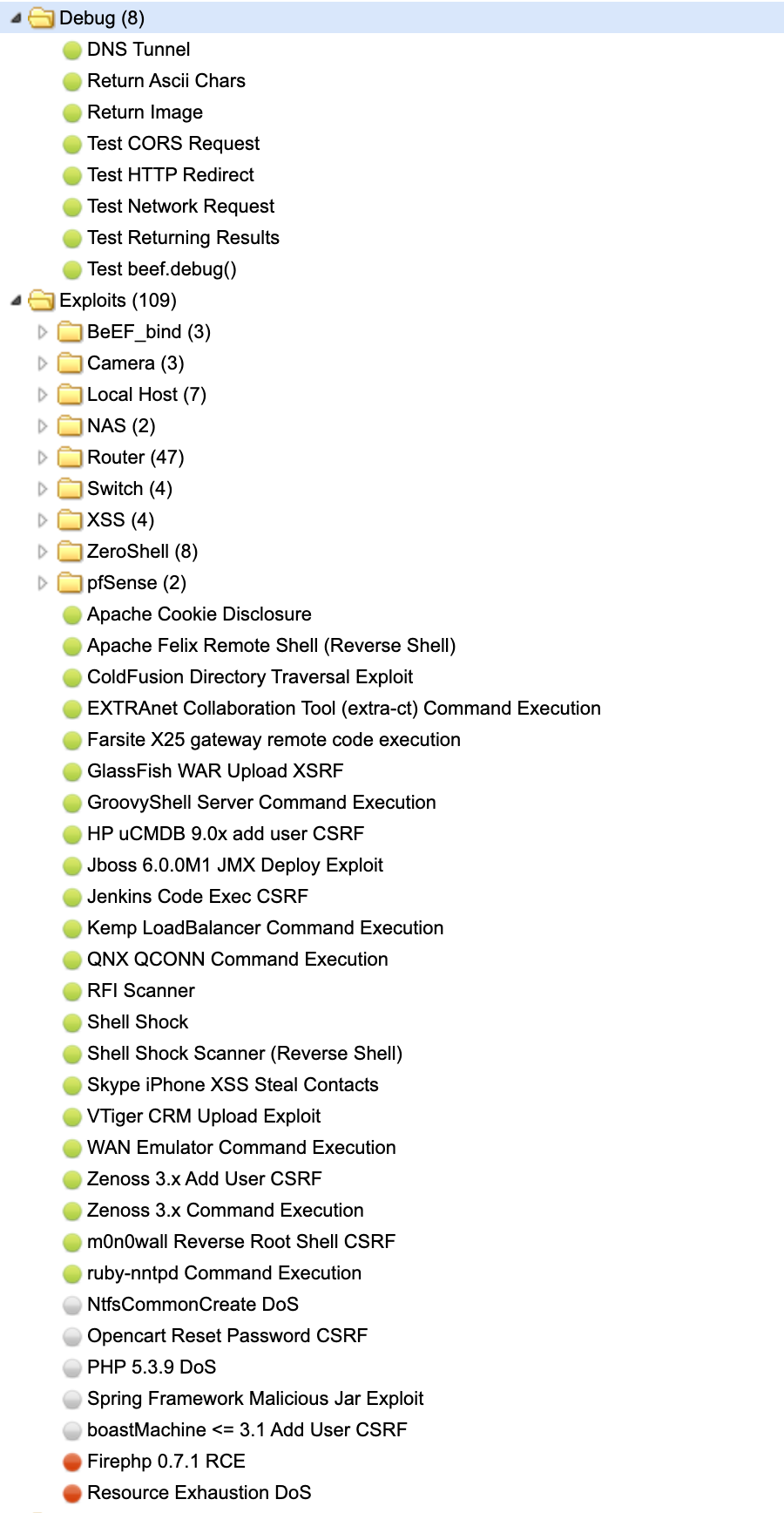
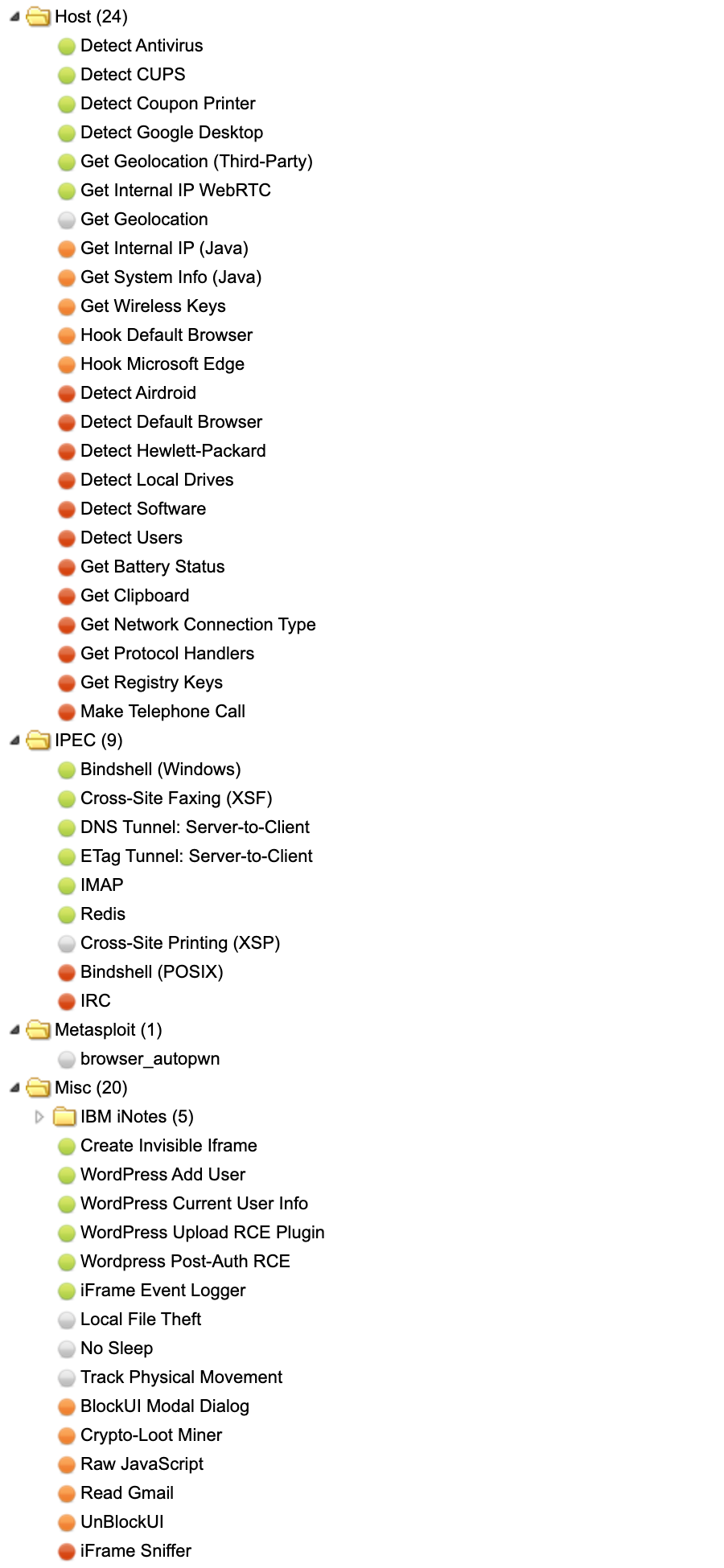
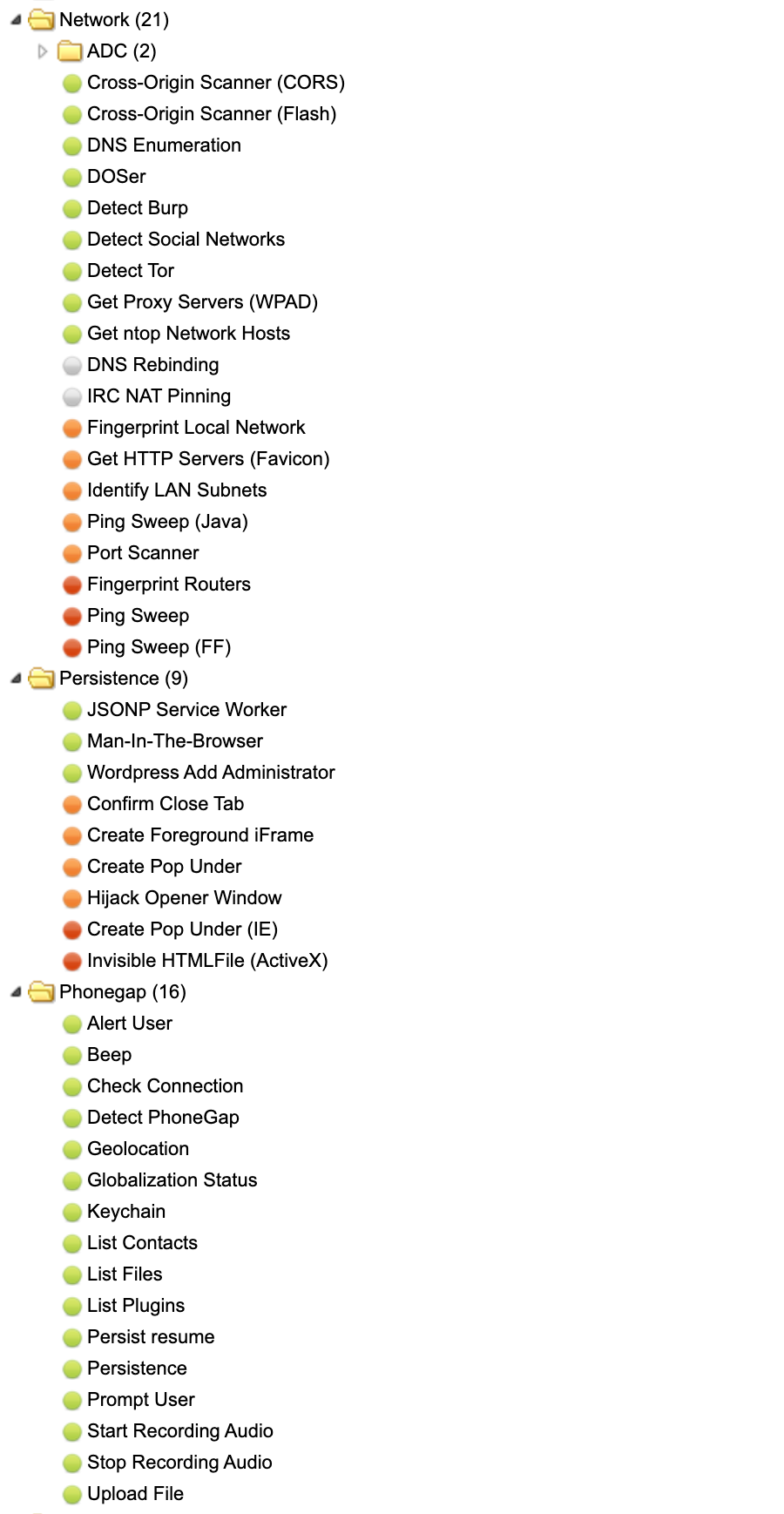
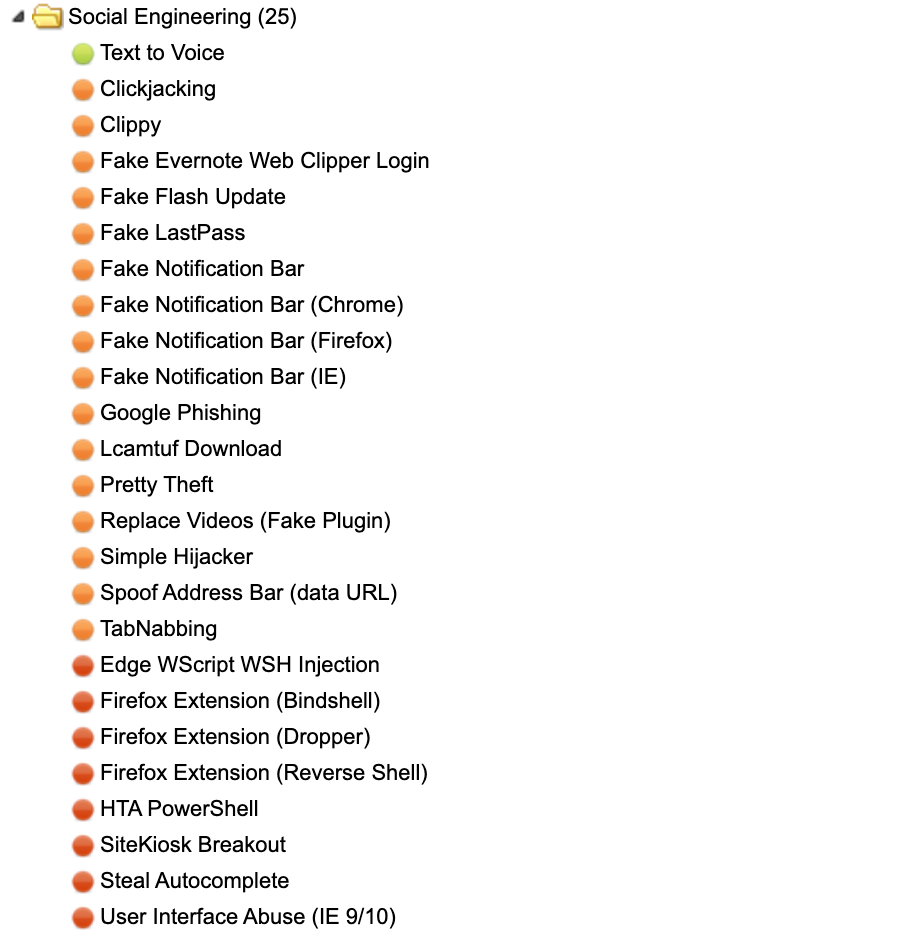
As you can see, many options!
I’ll demonstrate how a couple of them work.
Browser, Hooked Domain, Create Alert Dialog
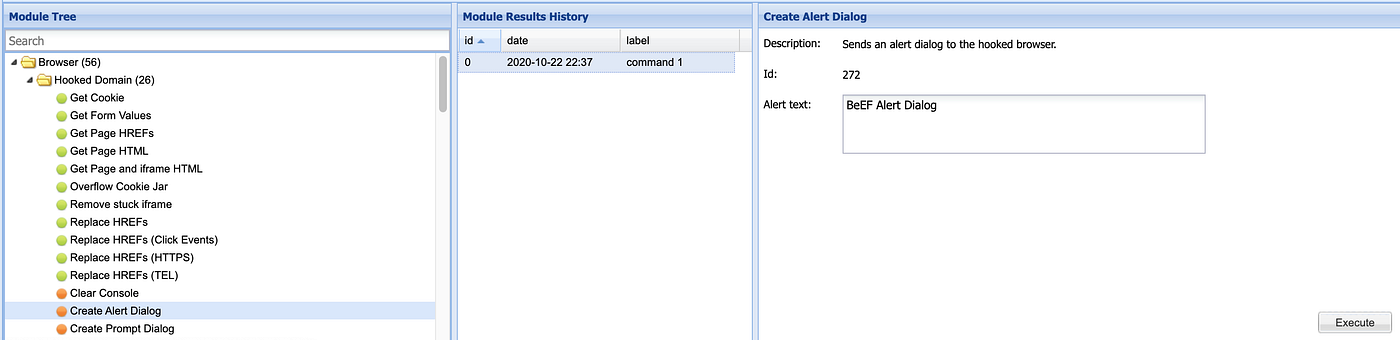
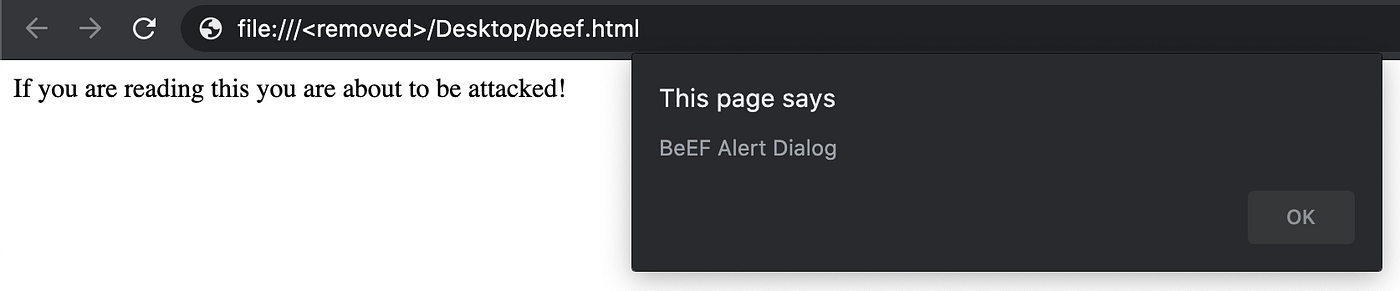
I will “Execute” and send the “Alert text” of “BeEF Alert Dialog” to my victim browser.
Social Engineering, Pretty Theft
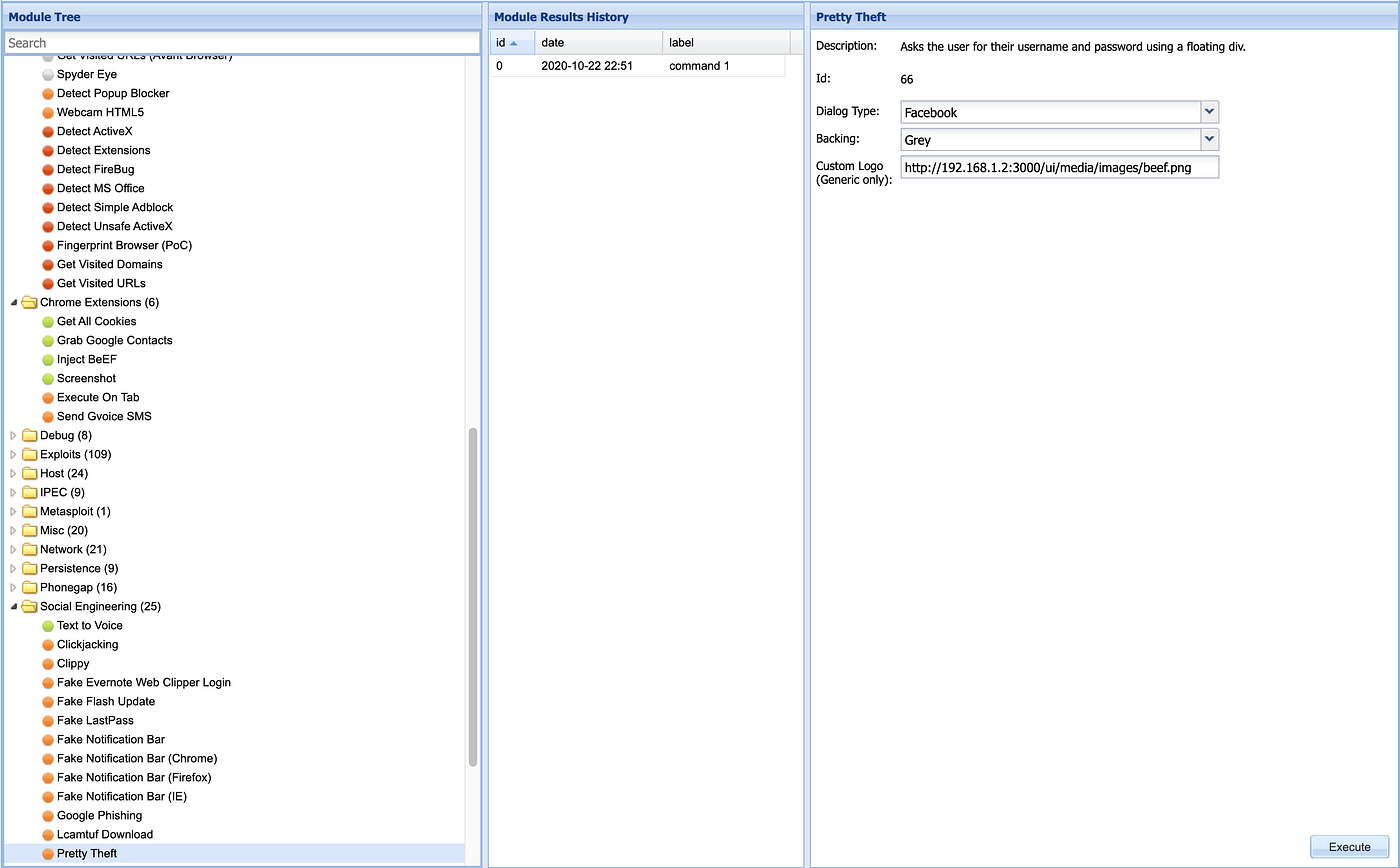
I’m going to pop up a window that looks like Facebook login page in my victim browser.
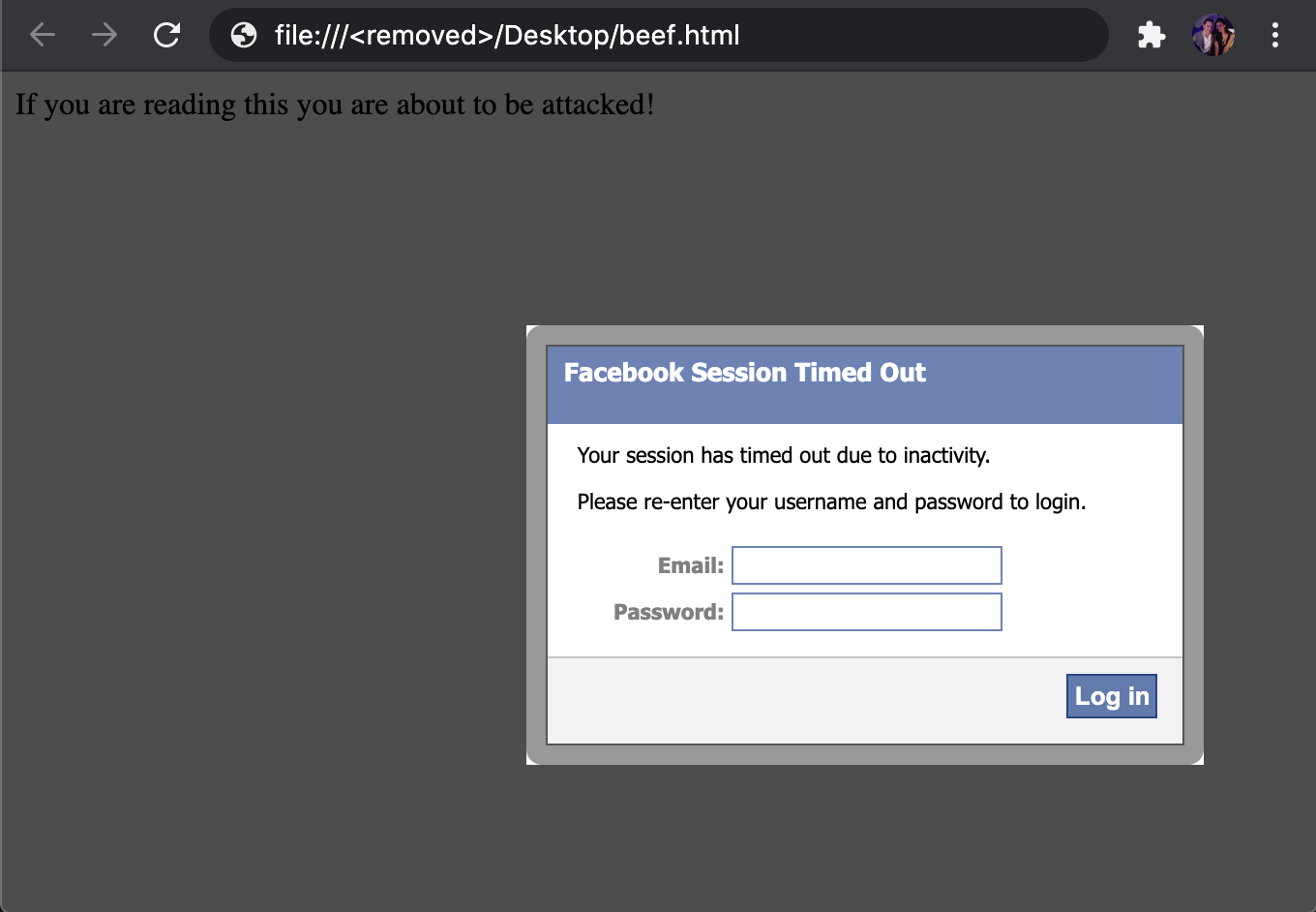
I’m going to add some fake credentials and see what happens.

As you can see “[email protected]” and “secretpw” was recorded!
There are literally loads of nasty options there from fake session timeouts on many popular services, fake Flash update modals to upload exploits, accessing webcams, taking screenshots, playing sounds, creating users, and much more.
Protecting against BeEF
There are a few browser extensions which help prevent against BeEF attacks. They aren’t really that pleasant to use as it involves “whitelisting” safe Javascript to run on sites.
Chrome
Firefox
Both of these aren’t all that great and will cause problems with normal browsing. If anyone knows any good ways to prevent against BeEF attacks please leave a comment :)
Last updated